

All Cursor Packs
Browse our full collection of custom cursors. Find your next favorite style and install it for free.

Shamrock Freddy cursor
0FreeCustom cursor with Shamrock Freddy includes a well-designed mouse cursor with Shamrock Freddy and a hover pointer with a golden microphone mockup.

FNF Whitty cursor
0FreeWhitty custom cursors are now available in our Friday Night Funkin custom cursors collection for Chrome.
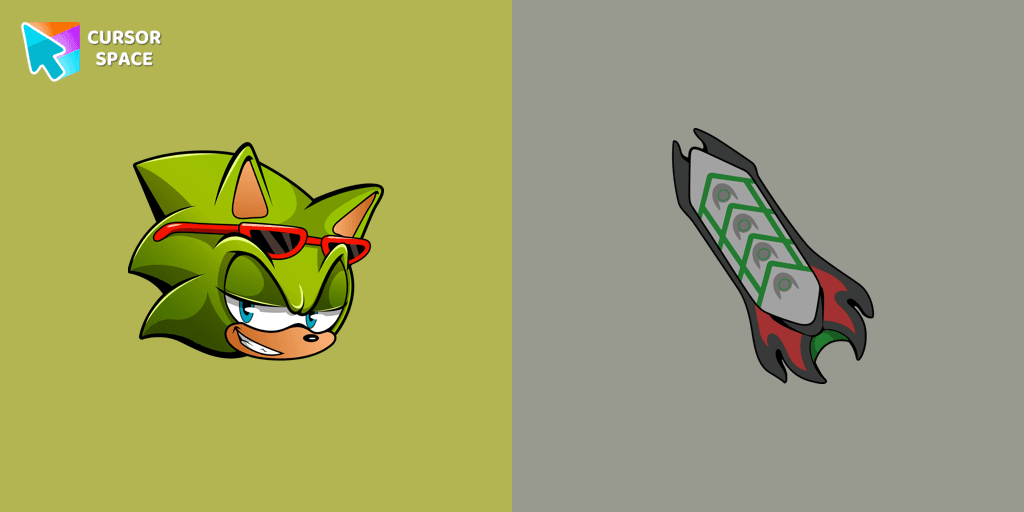
Scourge the Hedgehog cursor
0FreeScourge the Hedgehog custom cursor for the mouse is a pretty fan art in a Sonic the Hedgehog cursor collection for Chrome.
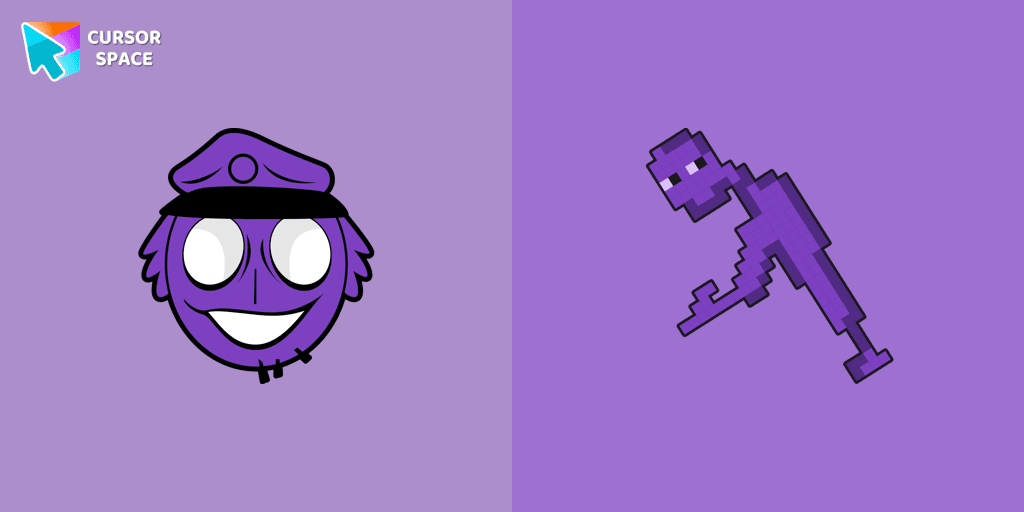
William Afton cursor
0FreeAuthentic custom cursor with William Afton from our Five Nights at Freddy's custom cursors collection will allow you to change the mouse cursor.

FNF Cuphead cursor
0FreeCustom cursor with FNF Cuphead is a good opportunity to change the usual mouse to the fans cursors from the Friday Night Funkin collection.
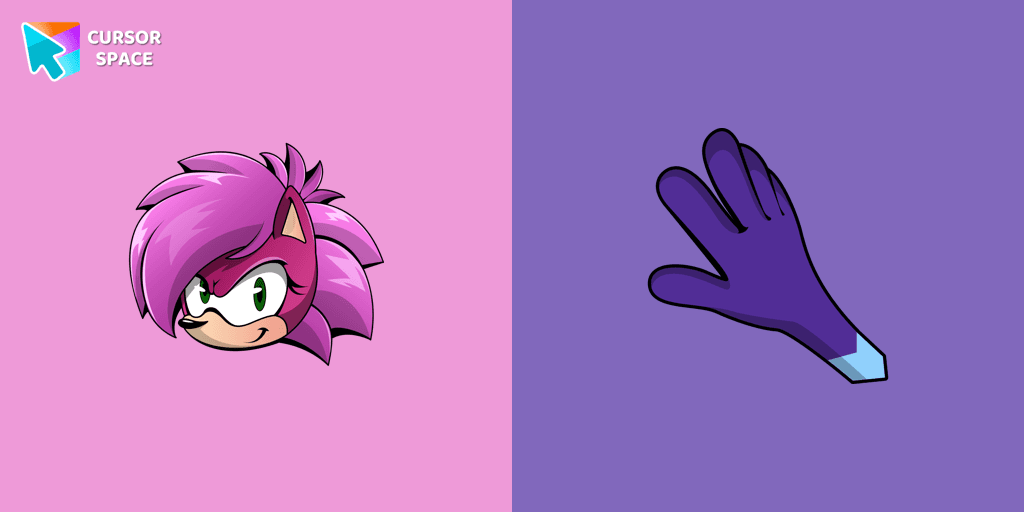
Sonia the Hedgehog cursor
0FreeSonia the Hedgehog for Chrome cursor set has a custom cursor and a pointing device.
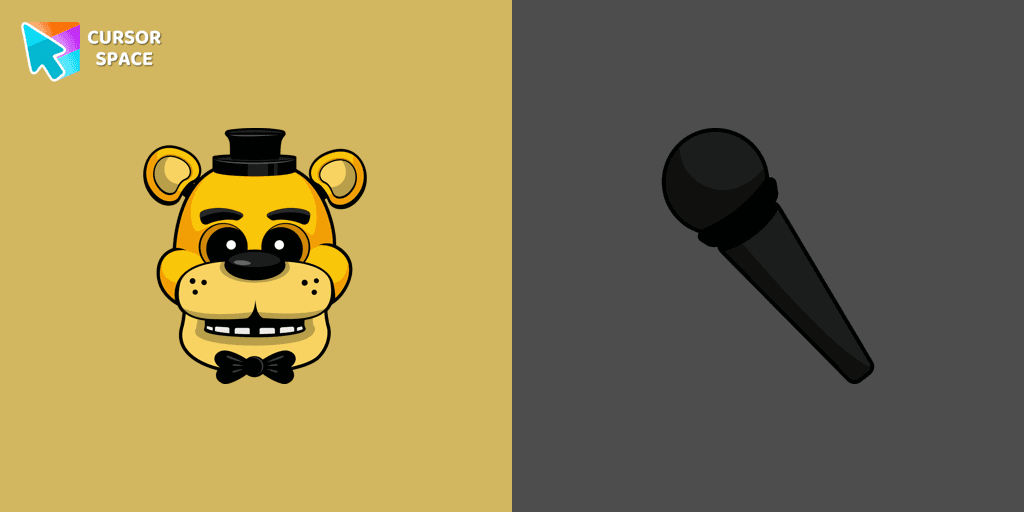
Golden Freddy cursor
0FreeIn our custom cursors collection Five Nights at Freddy's, we have illustrated a Golden Freddy as a custom cursor for the browser in a nice art.

FNF Uberkids cursor
0FreeUberkids cursor element is a cute custom mouse and pointer cursor with stylish pointing.
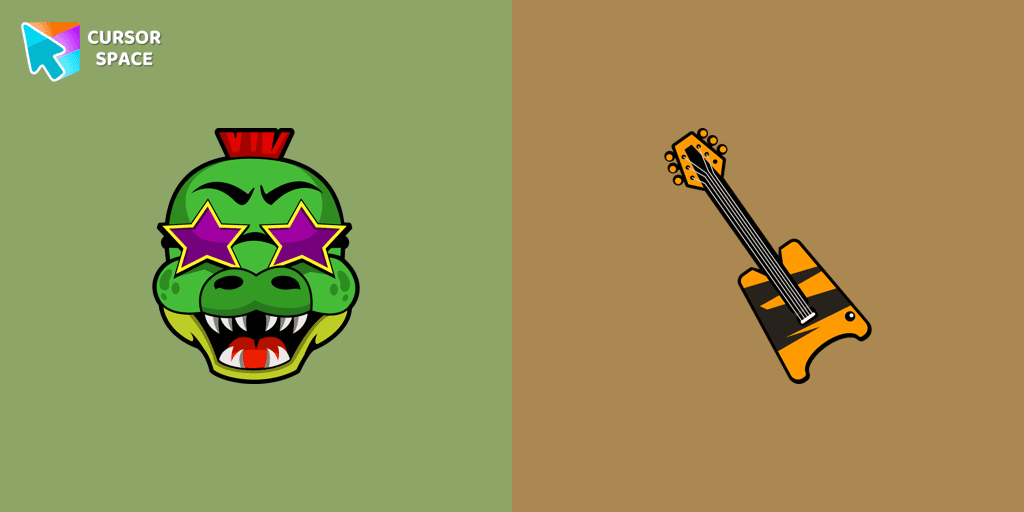
Montgomery Gator cursor
0FreeMontgomery Gator cursor for mouse and custom hover pointer with bass guitar in Five Nights at Freddy's collection of custom cursors.

FNF Snoopy cursor
0FreeCustom cursor with Snoopy from our custom cursors collection with game characters.

Grumpy Bear cursor
0FreeGrumpy Bear cursor for mouse and pointer in a terrific custom cursors collection for Chrome with Care Bears.
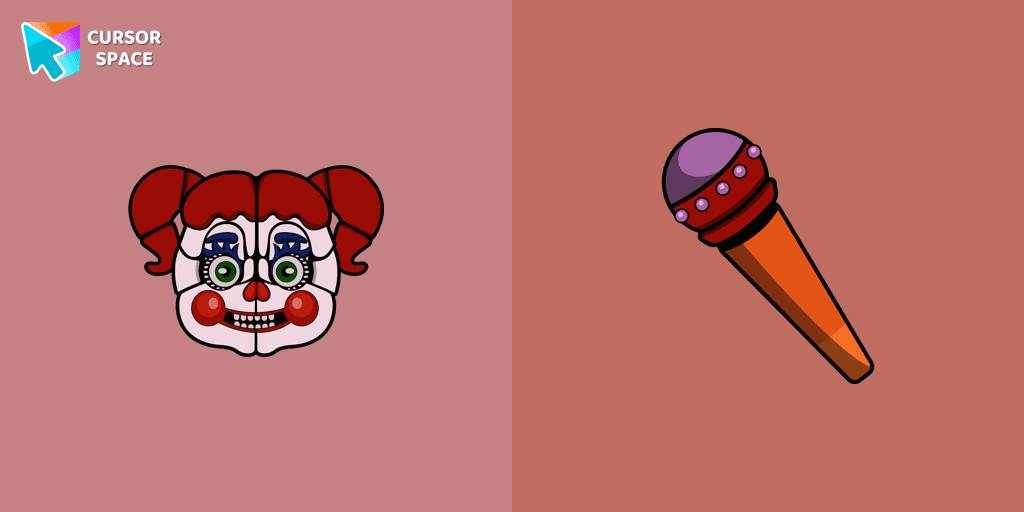
Circus Baby cursor
0FreeChange the default cursor to Circus Baby, you are welcome to our collection of cursors in Five Nights at Freddy's in various arts.

Oswald cursor
0FreeCute Oswald cursor and pointer in our adorable custom cursors collection a Friday Night Funkin.

Harmony Bear cursor
0FreeA fun Harmony Bear as a custom cursor for mouse and pointer with which we can spend many hours of fun.
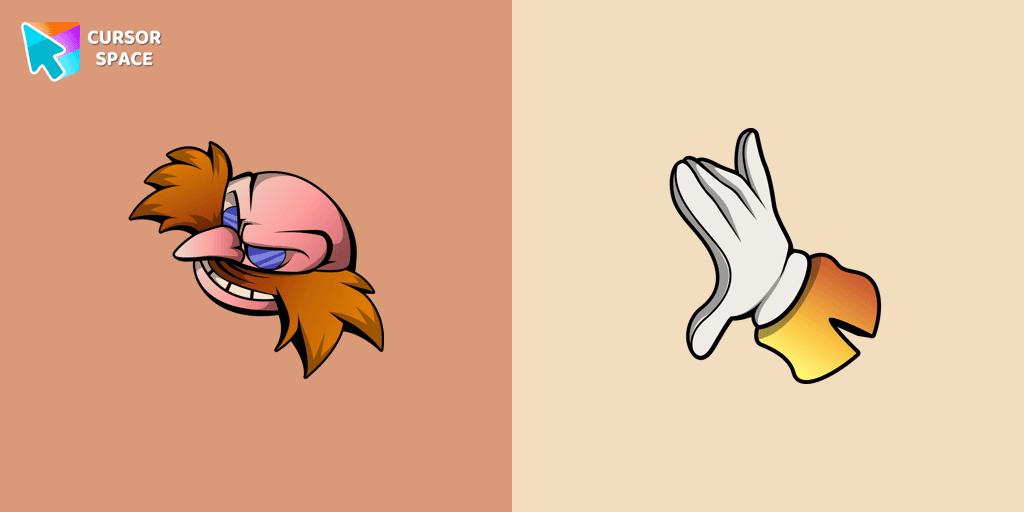
Doctor Eggman cursor
0FreeAdd Doctor Eggman cursor in the collection of custom cursors for the browser.
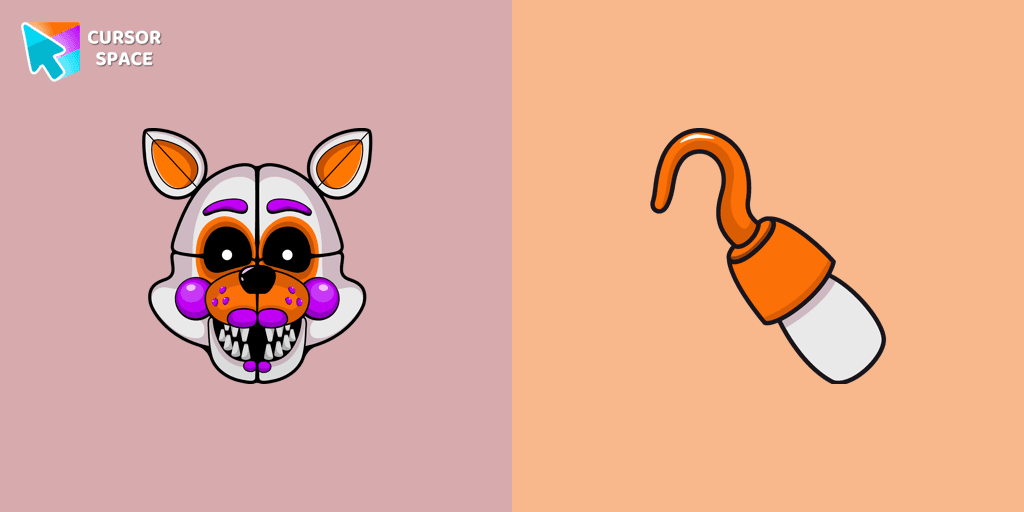
Lolbit cursor
0FreeCustom cursor with Lolbit is a good opportunity to change the usual mouse to fans cursors from the Five Nights at Freddy's collection.

FNF Manager.exe cursor
0FreeManager.exe custom cursor for the mouse is a pretty art in the Friday Night Funkin cursor collection for Chrome.

Good Luck Bear cursor
0FreeCare Bears for Chrome cursor set has a custom cursor Good Luck Bear as a pointing device.
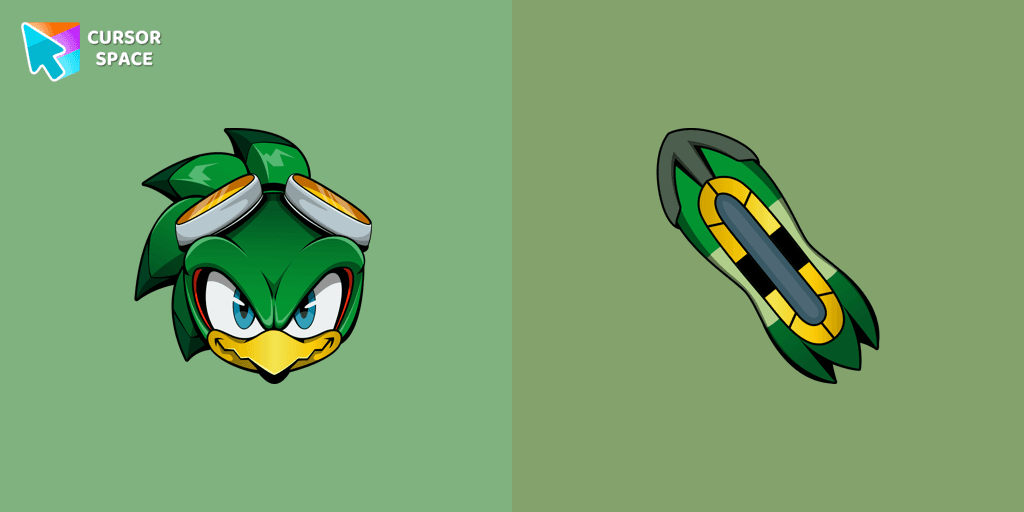
Jet the Hawk cursor
0FreeJet the Hawk cursor and pointer in our cute custom cursors collection with Sonic the Hedgehog.
Explore cursor packs by style
Cursor Space packs include curated cursor sets for everyday browsing: cute, minimal, anime, neon, pixel art, and more. Each pack comes with multiple cursor states (like default and pointer) and can be added to your browser in seconds.
Trending now
Fresh picks based on what people install most often.
Collections
Browse themed sets grouped by vibe and aesthetic.
Top charts
See weekly, monthly, and all‑time leaders.
How to install a cursor pack
- Open any pack from the grid above.
- Click the install / add button on the pack page.
- If you don’t have it yet, install the Cursor Space browser extension.
- Apply the pack in the extension and enjoy your new cursor.
FAQ
Quick answers to common questions about cursor packs, collections, and installation.
Are cursor packs free on Cursor Space?
Most cursor packs on Cursor Space are free to browse and install. Some packs may be marked premium depending on licensing. The Cursor Space browser extension is free to install from the Chrome Web Store.
Do cursor packs work on Chrome and Edge?
Yes. Install the Cursor Space extension for Chromium-based browsers (Chrome, Edge, Brave), open a pack page, and click install/apply. The extension applies the cursor set across your browser.
How do I install a custom cursor pack?
Open the pack page, click the install or add button, install the Cursor Space extension if prompted, then apply the pack from the extension popup. Your new cursor appears immediately.
Can I change or remove a custom cursor later?
Yes. Open the Cursor Space extension, choose another pack, or restore the default system cursor from the extension settings.
Is the Cursor Space extension safe?
Cursor Space is distributed via the Chrome Web Store and Edge Add-ons. Keep the extension updated, and only install packs from trusted catalog pages on this site.