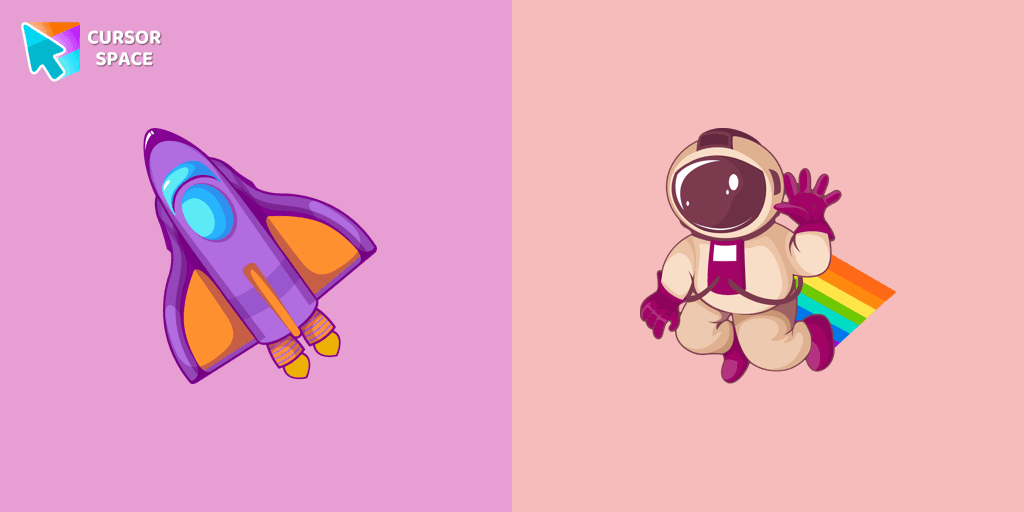

Orange gradient cursor
2.0kFree
Upgrade your browsing with the Vibrant Orange Gradient Cursor. This custom cursor offers a seamless orange gradient, merging style with functionality
Install the Cursor Space extension for Chrome or Cursor Space for Edge in your browser.
On this page, click "Add this cursor pack to the extension".
Open the extension and go to the Packs tab.
Find the custom cursor pack "Funny Astronaut cursor" and click it.
Enjoy!
Get this cursor pack and thousands of others by installing our extension. It's fast and free!
Funny Astronaut Cursor is a themed cursor pack you can add to your browser to personalize your pointer across common cursor states (default and pointer). Use it for everyday browsing, streaming, studying, or gaming-anywhere you want your cursor to match your vibe.
See how the cursors look before installing.
Add the pack to the extension in a few clicks.
Designed for Chrome and Edge via the extension.
Quick answers to common questions about cursor packs, collections, and installation.
Yes. To apply cursor packs in Chrome or Edge, install the Cursor Space extension and add this pack to it.
Cursor packs are designed for Chromium browsers like Chrome and Microsoft Edge.
Open the extension, choose another pack or disable the current one to return to your default cursor.
Custom cursor and packs - neon, anime, pixel art. Quickly add to Chrome and Microsoft Edge for free
Upgrade your browsing with the Vibrant Orange Gradient Cursor. This custom cursor offers a seamless orange gradient, merging style with functionality
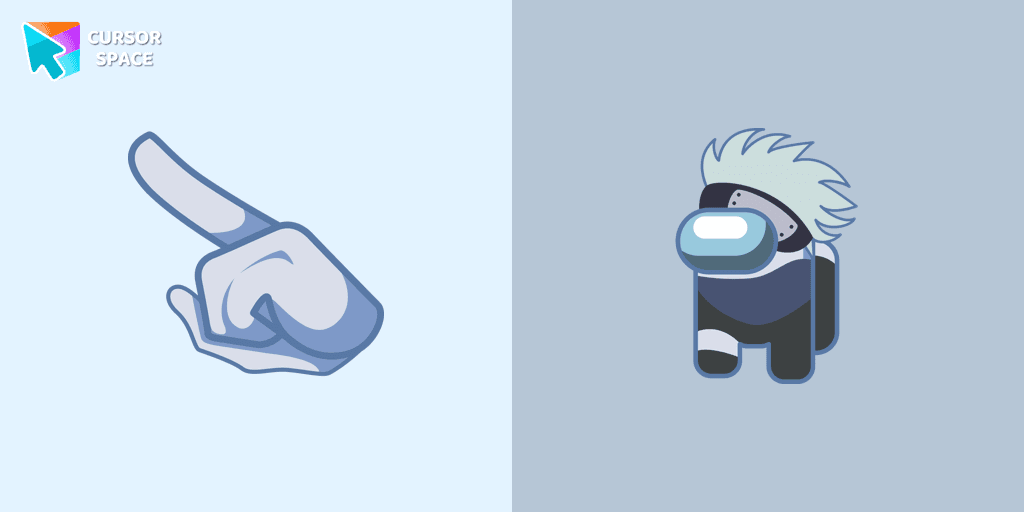
Introducing the Cute Among Us Kakashi Hatake Character Cursor: A Perfect Blend of Two Favorites!

Elevate your digital experience with the sophisticated Bibata Original Rose Pine custom cursor, where stylish design meets smooth, precise navigation.

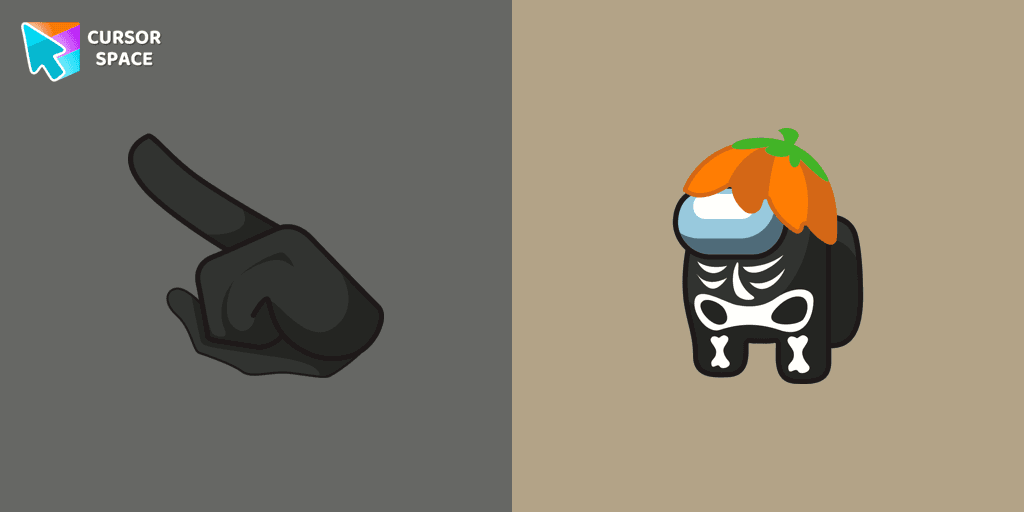
Customize Your Cursor with the Among Us Skeleton Character for a Spook-tacular Experience!
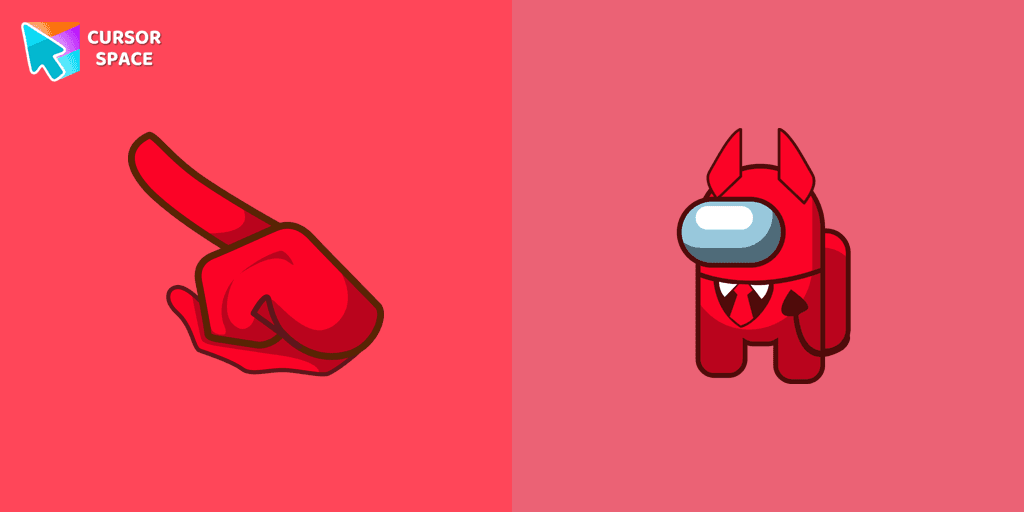
Unleash Adorable Charm with the Cute Among Us Devil Character Cursor!
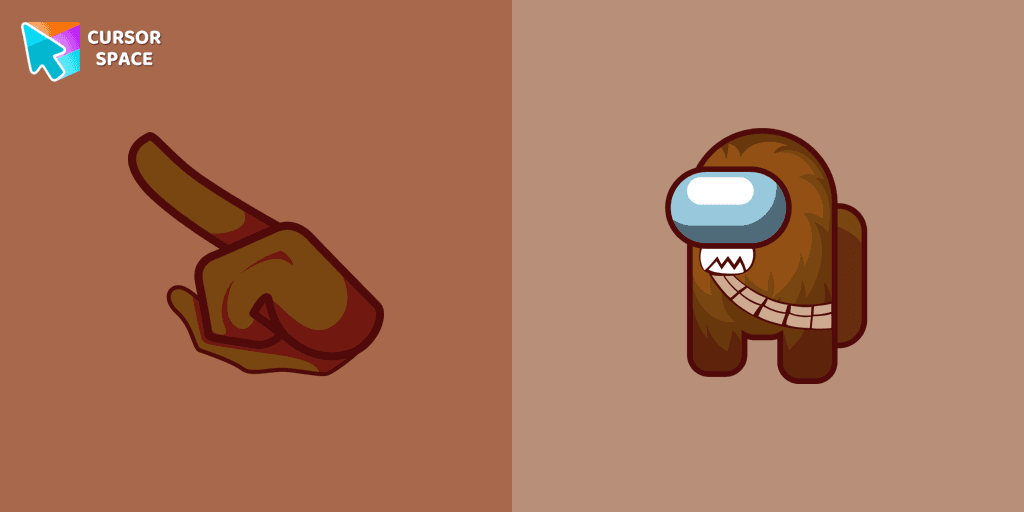
The Chewbacca character cursor is a highly sought-after customization option in Among Us.
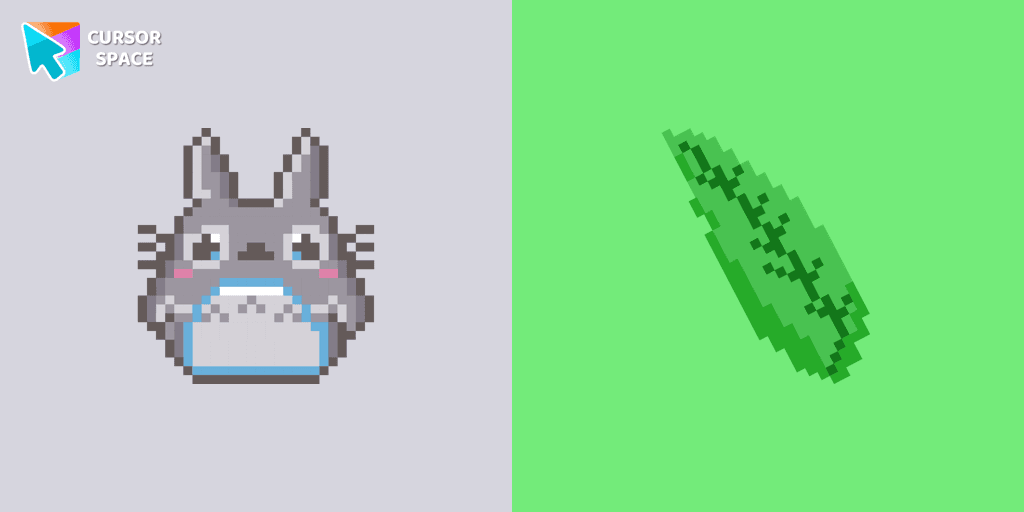
Totoro is a big, furry, cute, funny, and kind gray creature, the keeper of the forest invisible to adults, an anime movie character now in our Cute Pixel custom cursors collection for Chrome.
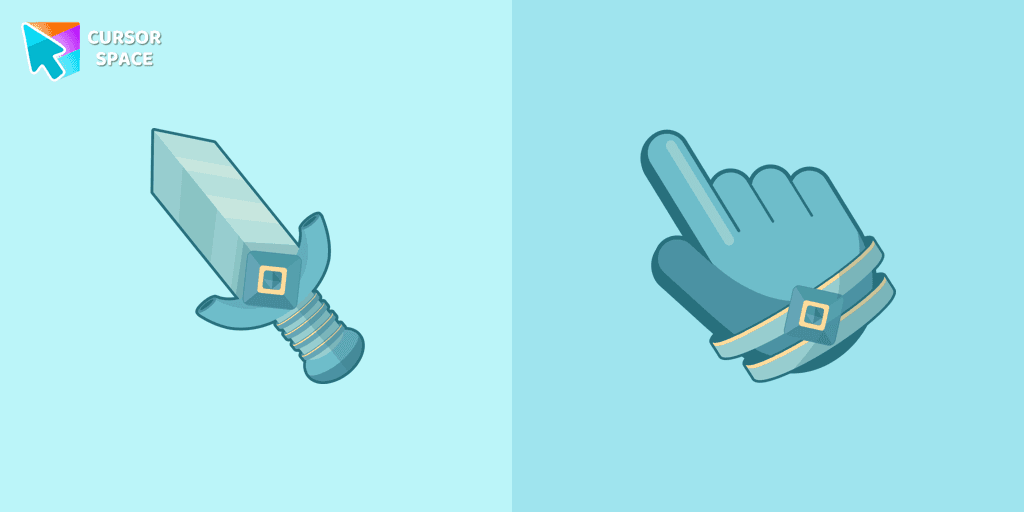
The Knight custom cursor is a cute and stylish mouse pointer. The Cursors collection for Chrome is ideal for fans of unique cursors.
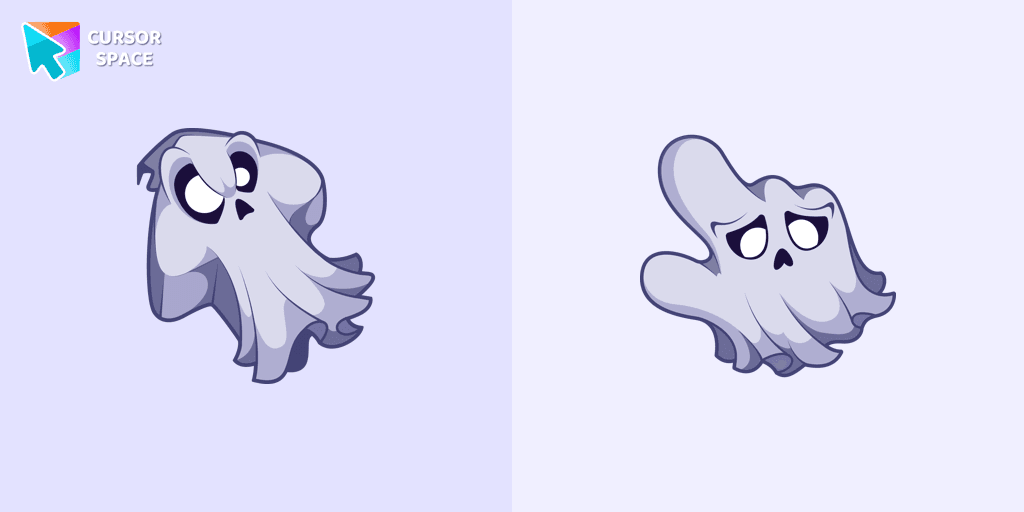
Unleash the fear with The Ghost custom cursor for Chrome. Add a spine-chilling touch to your screen and conquer your Samhainphobia!
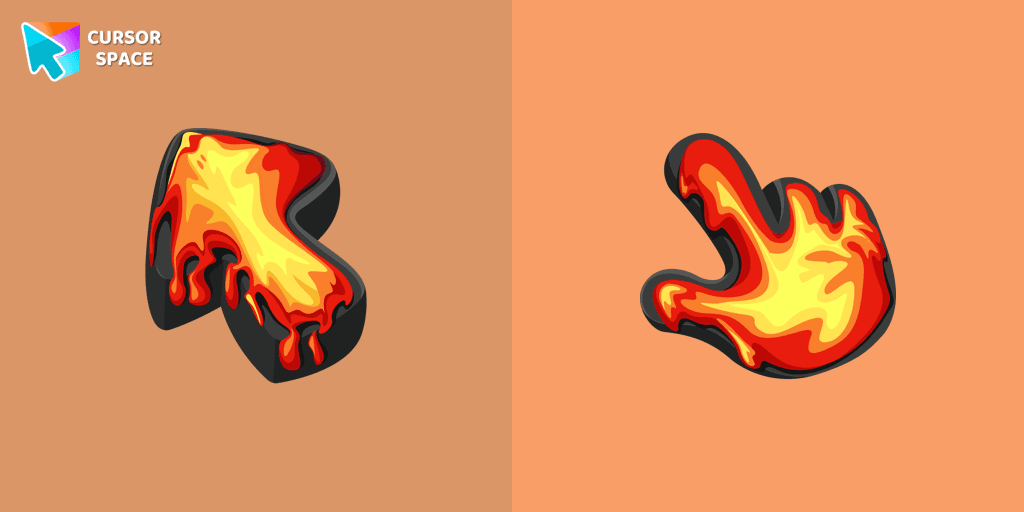
Ignite your browsing with the Lava custom cursor for Google Chrome, inspired by volcanic magma. Experience intense energy right on your screen.
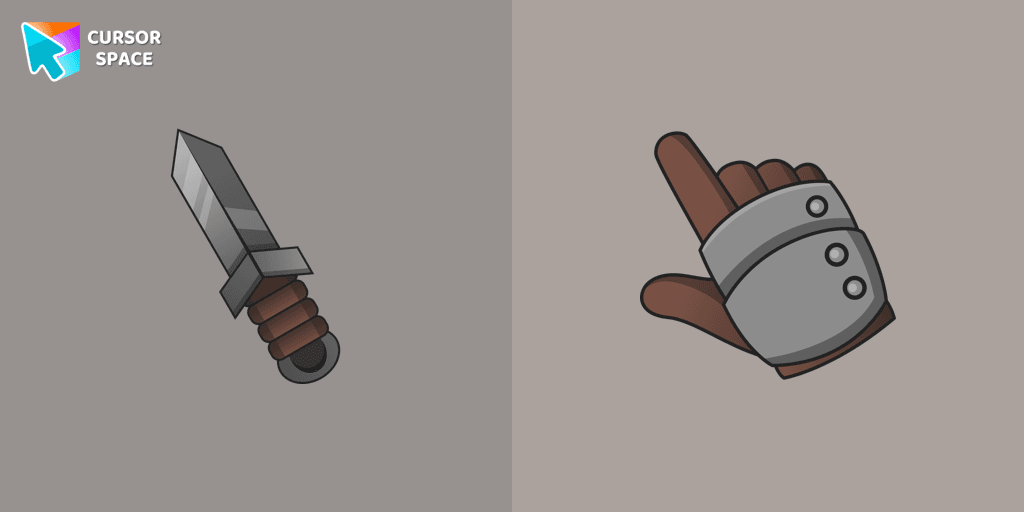
Set off on a medieval adventure with the Knight custom cursor! This charming and gallant design brings whimsy and magic to your browsing experience.
Installation leaders from "Custom Space Cursors": free packs, neon/anime/pixel art, quick add to Chrome and Edge.
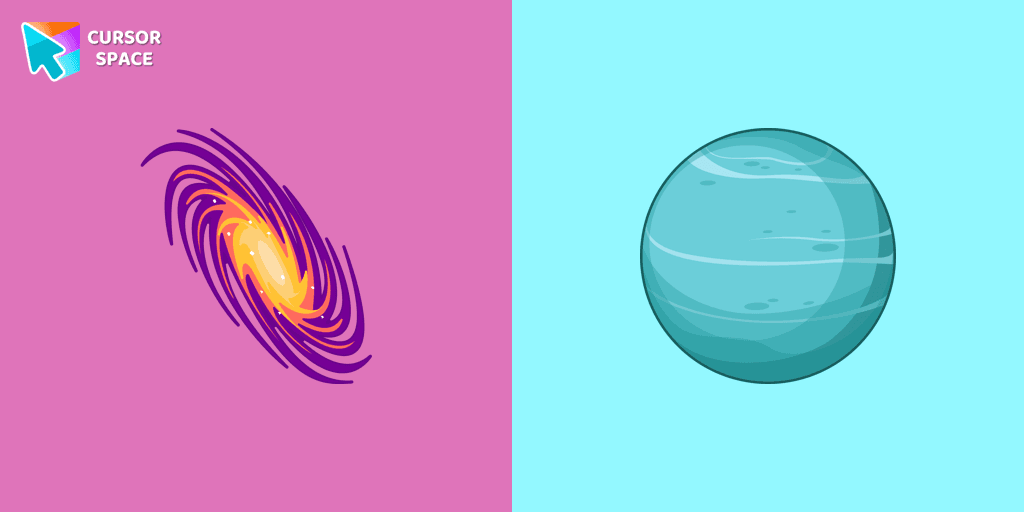
Discover Uranus with a custom cursor for Google Chrome. Explore the galaxy with our Space custom cursors collection, bringing the cosmos to your screen.
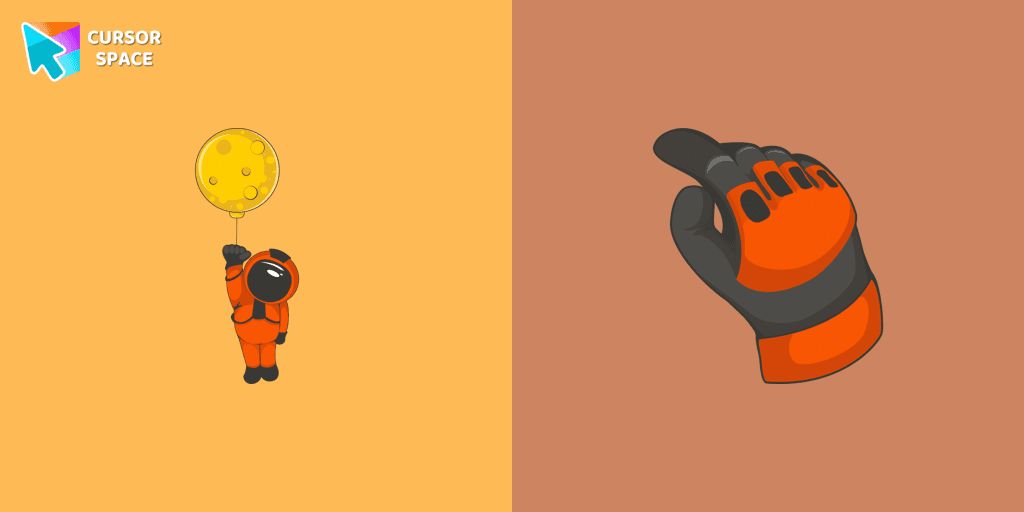
The well-designed Astronaut custom mouse cursor from our collection of custom space fiction mouse cursors.
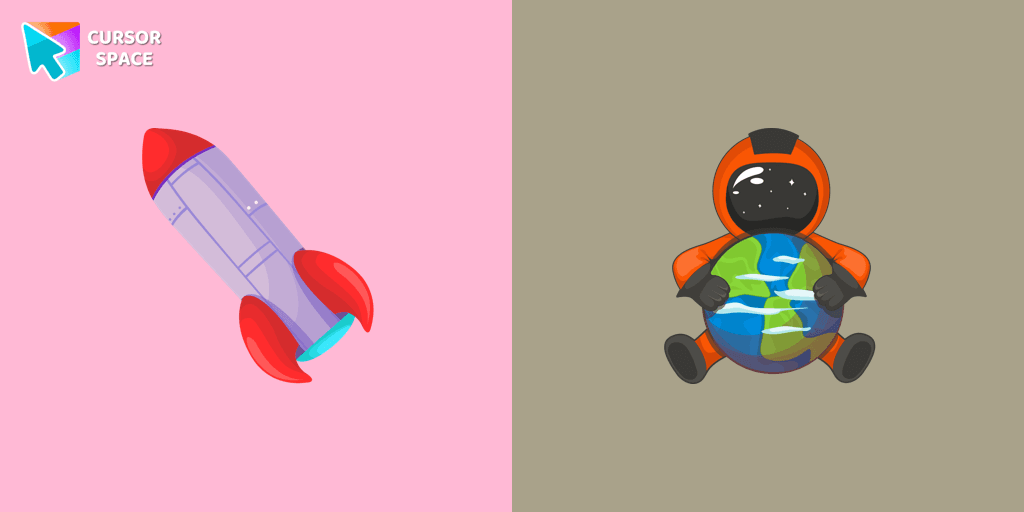
A well-designed custom cursor in the form of a constellation, from our fantastic collection of solar system cursors with planets and space.
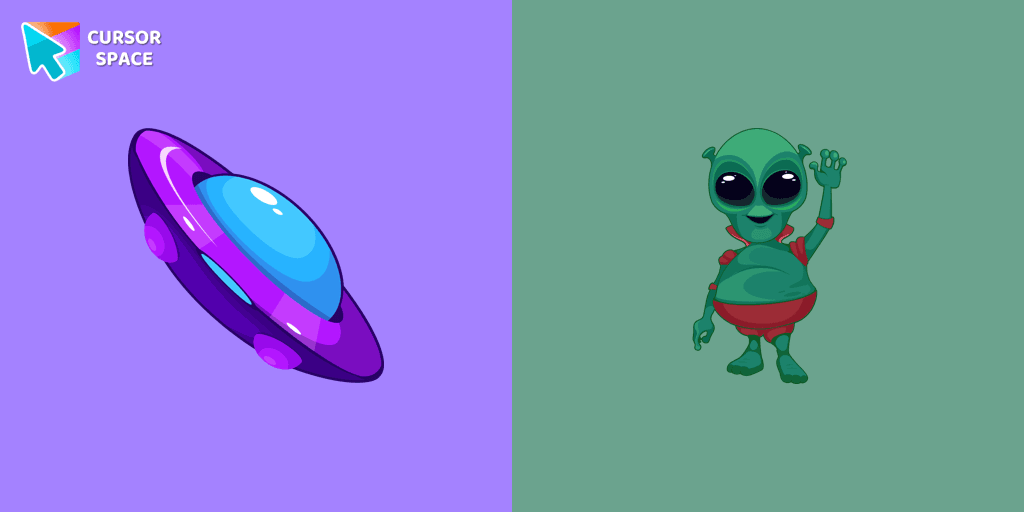
A well-designed custom cursor in the form of a flying UFO, from our fantastic collection of solar system cursors with planets and space.
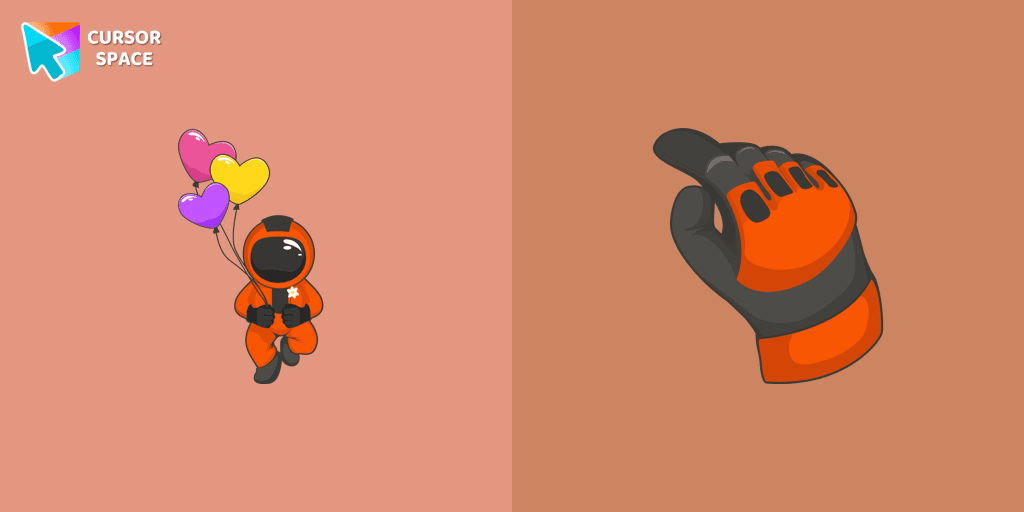
You can afford to go into outer space with our collection of custom cursors for Chrome. A well-designed custom cute astronaut mouse cursor from our collection of custom space fiction mouse cursors.
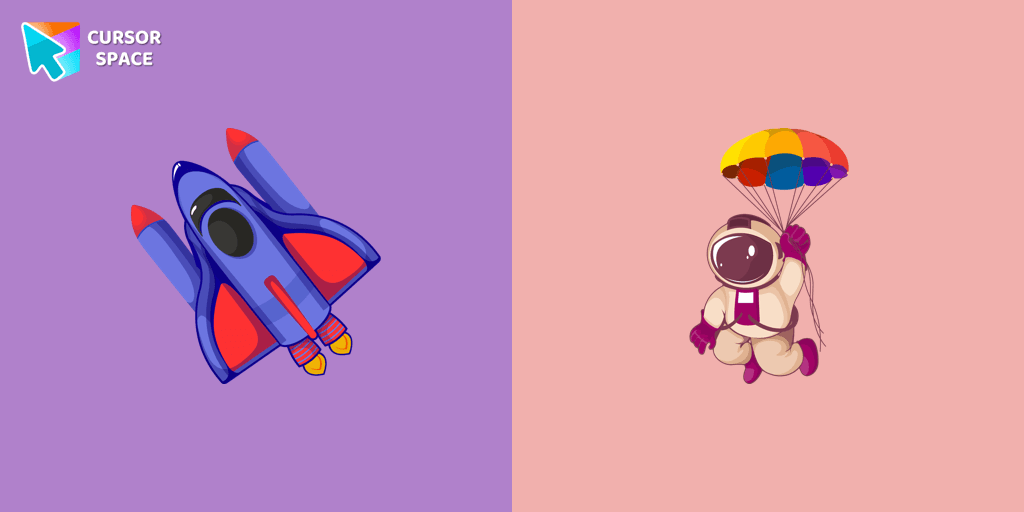
A well-designed custom cursor in the shape of a spaceship from our collection of cursors with the planets of the solar system.
A well-designed custom cursor with Neptune planet, from our fantastic Mysterious Space custom cursors collection for mouse and pointer.
A well-designed custom cursor in the form of a constellation, from our fantastic collection of Solar System cursors with planets and space.
The astronaut squad needs a new member, maybe you would like to join it? A well-designed custom cursor in the shape of a spaceship from our collection of cursors with the planets of the solar system.
The well-designed dancing astronaut custom mouse cursor from our collection of custom space fiction mouse cursors.
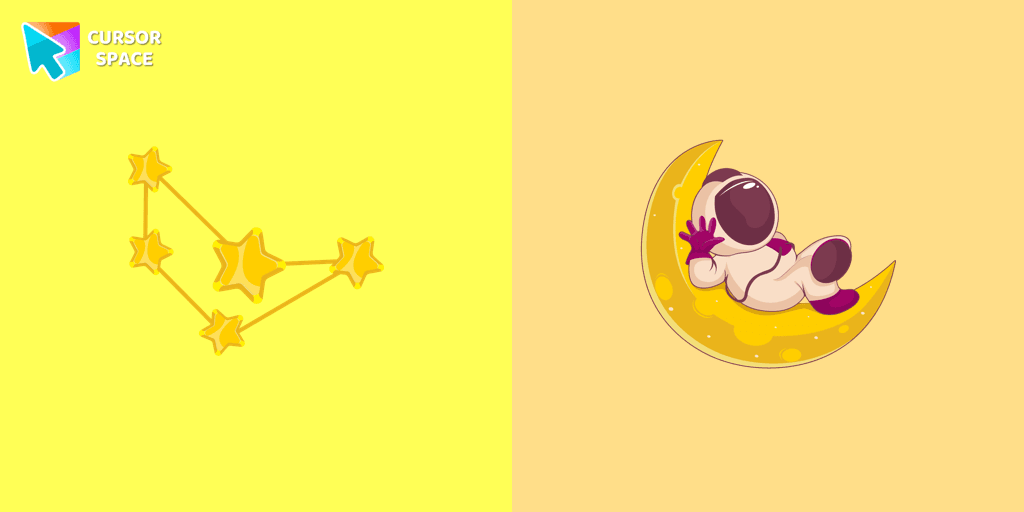
A fascinating journey through the boundless universe with our collection of custom cursors for Chrome. A well-designed custom Astronaut cursor for the mouse from our collection of space sci-fi custom cursors for the mouse.
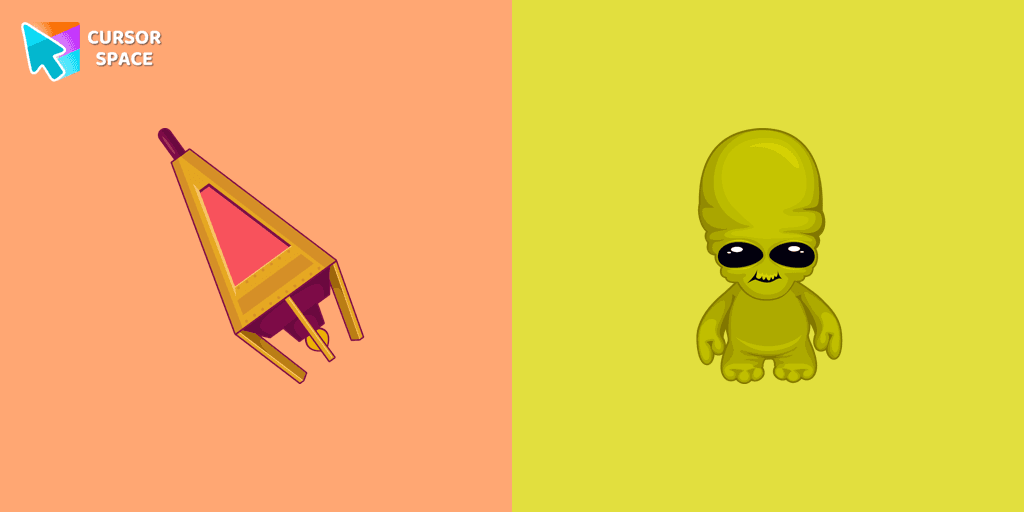
Custom cursor in the form of a flying UFO, from our fantastic collection of Solar System cursors with planets and space.
Add packs instantly and unlock access to thousands of cursors: neon, anime, pixel-art, and more. Fast, safe, and free.
Cursor Space is an extension for changing your mouse cursor in Chrome and Edge browsers: themed collections, HiDPI icons, neon, animated, and pixel cursors, with quick installation.